Bixby Developer Center and Marketplace

summary
Step-by-step checklist for getting a capsule into Bixby Marketplace: create a team namespace and register the capsule, generate a public submission (distinct from device-only private submissions), add required metadata—dispatch name (most common rejection cause), display name, at least three hints that include the dispatch name, icon (PNG/JPEG recommended 144x144), keywords, categories, and optional website; request review (turnaround under a week), releases roll every 24 hours, and use Developer Center secret storage instead of hard-coded keys.
AI-written summary · about
chapters (21)
- 0:00Introduction
- 0:43Why do we write software
- 1:35Bixby Marketplace
- 3:31Building a Capsule
- 7:28Registering on the Developer Center
- 9:58Creating a Public Submission
- 13:12Marketplace Metadata
- 13:34Display Name
- 15:34Dispatch Name
- 16:23Dispatch Aliases
- 17:43Developer Name
- 18:25Icon Asset
- 19:50Description
- 20:44Website URL
- 21:22Search Keywords
- 22:20Hints
- 24:31Store Sections
- 30:47Review Approval Email
- 33:47Deprecation Email
- 35:06Secrets
- 38:53Questions
related talks
 33mBixby Developer Showcase: The Finale
 34mConquer the World with Bixby: Building for Multiple Languages and Devices
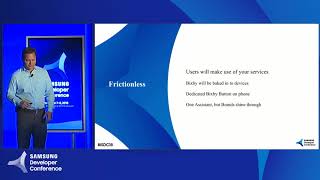 41mBixby and the New Exponential Frontier of Intelligent Assistants
 40mTeaching Bixby Fundamentals: What You Need to Know
 45mBest Practices from the Team That Built Bixby
 45mConversational Commerce with Bixby: The Next Big Thing in Assistants
 49mBixby: A New Take on the Intelligent Assistant
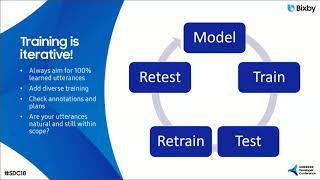 39mLet's Talk: A Focus on Natural Language and Conversational Dialogue with Bixby