How to Accessibility if You’re Mostly Back-End

summary
Back-end work changes accessibility by adopting concrete practices: use linters (RuboCop), RSpec patterns, Swagger docs and Jira tickets; prefer descriptive fields with word separators (underscores) in APIs; require captions/transcripts and semantic HTML; keep specs readable by moving shared examples near their callers. Citeable numbers: 16% of people have disabilities, 20% dyslexia, almost 1 in 50 devs report vision issues; clean code reduces AI token use 8% and file revisits 34%. Core rules: avoid abbreviations, use pronounceable names, short lines (~50–75 chars).
AI-written summary · about
chapters (14)
- 0:00Introduction
- 1:07Why accessibility matters
- 3:35Disability and its forms
- 5:38Abbreviations in code
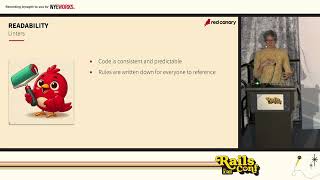
- 6:40Readability and naming
- 9:04Linters and consistency
- 11:30Line length and indentation
- 14:21The value of well-placed comments in code
- 17:50AI best practices
- 18:13API accessibility tips
- 20:19Testing for clarity
- 23:31Documentation in plain language
- 27:41Inclusive communication
- 29:06Key takeaways
related talks
 45mHow to Accessibility if You’re Mostly Back-End
 45mHow to Accessibility if You’re Mostly Back-End
 26mHow to Accessibility if You’re Mostly Back-End
 14mAccessible Accessibility
 36mThe Human Side of Accessibility
 12mAccessibility-First Development: Making Applications Inclusive from Day One
 54mLean accessibility: Building inclusive design into your agile workflow
 45mTips from the Trenches: Accessibility Testing