Using Dash to Create Interactive Web Apps for Non-Technical Audiences
summary
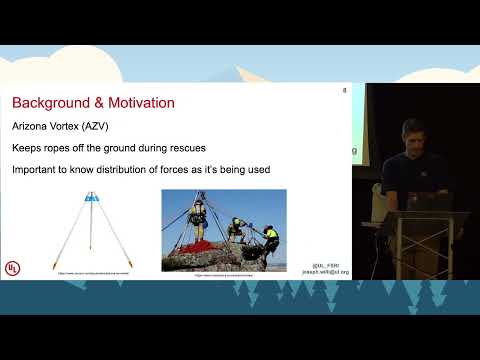
Built an interactive Dash app that reads load‑cell data from an Arizona Vortex tripod, shows real-time plotting of channels, records event logging, and generates post‑test Plotly graphs with max‑value summaries. Code uses Python, Dash (Flask/React/plotly.js), numpy/pandas and a DAQ; styling and callbacks are cleaned up and the app works well enough to hand to firefighters. Planned additions include sensor calibration and wireless logging (Arduino).
AI-written summary · about
chapters (14)
- 0:00Start
- 4:13Casual Programming Background
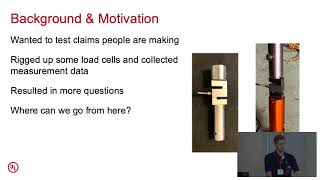
- 5:41Background and Motivation
- 7:05The Arizona Vortex
- 9:43Dash App Gallery
- 13:18Parts To Dash Code
- 15:34Initial Objectives
- 17:35Event Logging
- 18:42Demo of the Dashboard in Action
- 21:59Upcoming Improvements
- 22:32Sensor Calibration
- 24:49Take Clear Notes
- 28:40Is It Possible To Embed a Dash App within an Existing Website or Does It Have To Run Standalone
- 29:08Use of the the Dash App in Real Time
related talks
 27mUsing Dash to Create Interactive Web Apps for Non-Technical Audiences
 41mDash: data exploration web apps in pure Python
 32mDash: Interactive Data Visualization Web Apps with no Javascript
 22mIntro to Plotly Dash
 33mIntro to Dash
 29mUsing Dash by Plotly for Interactive Visualisation of Crime Data
 09mBuild a web app in Python
 30mMeta-Dashboards: Accelerating Geospatial Web Apps Creation with Voilà