Troubleshooting Memory Problems in Java Applications
summary
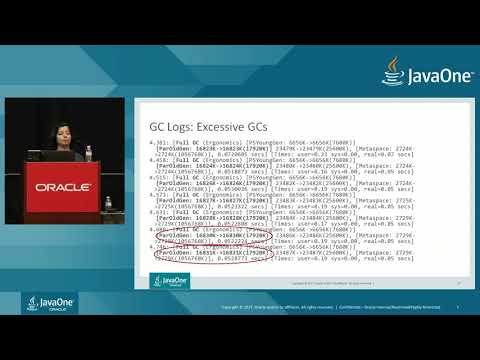
Steps: confirm misconfiguration versus leak by watching full GCs and heap growth, then collect GC logs, heap dumps and histograms. Tools used include -Xmx/-Xms and -XX:+HeapDumpOnOutOfMemoryError, jmap/jcmd/JConsole/Java Mission Control to gather data, and Eclipse MAT to find retainers (example: byte[] instances totaling ~406 MB, many 1024-byte arrays held by a long‑lived Vector). Watch GC pauses (one example shows a 50s full GC and back‑to‑back full GCs), monitor compressed class space (1 GB default) and use NMT for native leaks.
AI-written summary · about
chapters (20)
- 0:00Introduction
- 1:03Out of Memory Exception
- 1:45Unexpected Memory Growth
- 2:30Long GC pauses
- 3:00Agenda
- 3:22Memory Issues
- 7:22GC Log Options
- 8:36Excessive GCs
- 8:50Long GCs
- 9:10Heap Dump
- 9:51JConsole
- 10:15Java Mission Control
- 13:46Heap Histogram
- 15:48GC Viewer Tool
- 18:22Explicit GC
- 19:58Heap Dump Analysis
- 21:55Permanent Generation Meta Space Issues
- 22:42Configure Permanent Generation
- 23:50Compressed Class Space
- 41:48References
related talks
 32mMastering JVM Memory Troubleshooting - From OutOfMemoryErrors to Leaks
 34mTroubleshooting Native Memory Issues in Java Applications
 02h 41mSolving Memory Leaks in the JVM
 48mJava Memory Management Best Practices
 51mA Healthy diet for your Java application
 38mMemory Efficient Java
 21mMemory Efficient Java
 26mFind Java memory leaks with Heap Dumps (JDK 25)