Getting Started with the Android NDK
summary
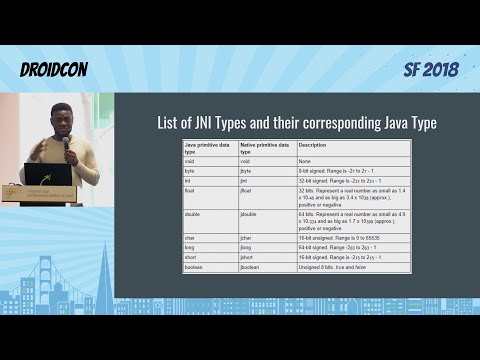
NDK now ships with C++17 support and Clang and compiles per-ABI (ARM64, x86) so builds must target specific instruction sets; JNI requires exact mangled names and signature strings, hence JNI method signature mangling and fragile runtime errors. Examples: a simple calculator offloads add to a native .so (live demo fails when names or signatures mismatch), a TensorFlow image classifier runs frames through native code via JNI and returns top results, and Cocos2d-x renders a 60fps native main loop with native YUV→ARGB conversion.
AI-written summary · about
chapters (10)
- 0:00Introduction to Android NDK
- 1:09What is the Android NDK
- 4:00When to use the NDK
- 6:51Understanding ABIs
- 9:42Setting up C++ in Android Studio
- 12:15Calling C++ from Java
- 20:31Case studies for NDK use
- 24:26Game engines and OpenGL
- 27:35Calling Java from C++
- 31:07Summary and Q&A
related talks
 31mWhat's new in Android C++ development
 06mAndroid GDS NDK/C++
 05mBest practices using JNI
 48mThe Android NDK and its new support in Android Studio/gradle-experimental plugin (en)
 43mUsing JNI without running into disaster
 36mWe gave a Mouse an NDK: Non Android Developers' Experience with NDK
 43mAndroid NDK Crash Reports
 41mKotlin-Native for Android developers