Do the Loco-MotionLayout: Building animations with MotionLayout
summary
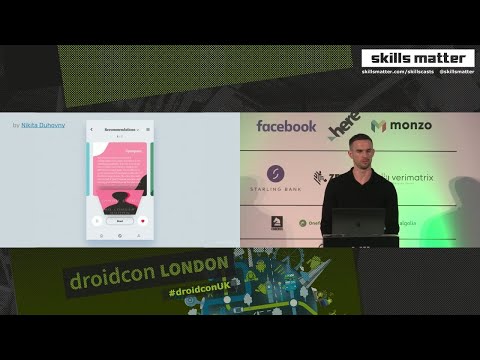
Shows how MotionLayout (ConstraintLayout subclass) drives a multi‑stage book-detail animation built from XML motion scenes, using a motion scene file, swipe and click handlers (swipe for drag, click uses toggle, 1s duration), keyframes to time fades (title/text at frame 70% and 10%), and key position with percentX=1 to fix diagonal paths. Uses custom attributes for MaterialCardView radius, a transition listener to recolor a drawable, ConstraintLayout 2.0 beta and Android Studio 4.0 motion editor (glitchy). Pixel 3 runs at 60fps, HTC One M7 ~30fps.
AI-written summary · about
chapters (18)
- 0:00Introduction to MotionLayout
- 1:43What is MotionLayout
- 3:09Setting up MotionLayout
- 9:10Adding synopsis card
- 12:06Text fade-in with key frames
- 15:36Creating second scene
- 18:02Custom attributes for corners
- 21:18Book cover shadow fix
- 23:02Sliding in detail text
- 24:48Transition listener for colors
- 25:53Staggered button animations
- 28:27Fixing button paths with key position
- 32:01Adding scrollable list
- 33:08Combining scenes
- 35:34Live demo with Motion Editor
- 41:21Considerations and performance
- 43:31Tips and next steps
- 44:56Q&A and resources
related talks
 44mDo the Loco-MotionLayout: Building animations with MotionLayout
 42mDo the Loco-MotionLayout: Building animations with MotionLayout
 19mMotionLayout: Animation made easy
 35mConstraintLayout 2.0
 43mMoving to MotionLayout
 50mDeep dive into MotionLayout
 34mMotionLayout & Motion Editor
 40mAdvanced & Practical MotionLayout