Creating a containerized Django + React + PostgreSQL...
summary
Builds a working Django + React + PostgreSQL dev setup using Docker and VS Code Remote Containers, attaches to or creates devcontainer.json and docker-compose, forwards ports and runs Django with Postgres and DRF endpoints, scaffolds a React app with create-react-app frontend and a proxy to the API, demonstrates hot reload and tests, then produces a production image via a multi-stage Docker build to Nginx + Gunicorn and uploads static assets to a CDN so the whole stack actually runs end to end.
AI-written summary · about
chapters (23)
- 0:00Start
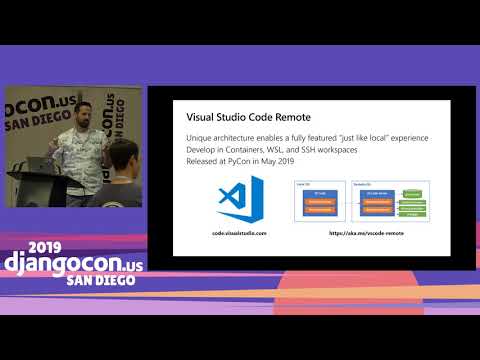
- 0:22set up a development environment
- 3:51create a new containerized dev box just from scratch
- 4:15base it off of the standard python image
- 6:03debug this running inside of the container
- 8:51create or switch between development environments
- 9:25attaching to an existing container
- 10:12install the remote containers extension
- 10:47attach visual studio code
- 11:53install the extension
- 14:10create a new development container
- 15:05pick from a set of predefined containers
- 17:52include all the python dependencies
- 18:25create a new site in this current folder
- 19:47attach a shell to this postgres container
- 20:11use the postgres ql engine
- 21:24set up the debugger
- 21:40create a debug configuration
- 22:54switch to a different container
- 29:39build the react front-end
- 30:11build a new front-end folder
- 38:00add this front-end folder to my static files
- 41:28put passwords and connection strings into a file
related talks
 28mDocker-Composing Your Way to a Better Development Environment
 34mAn Intro to Docker for Djangonauts
 43mDjango and React: Perfect Together
 44mA Django Project Template with CI/CD Pipelines and k8s Orchestration
 31mMastering the Zen of Dev Experience: Kubernetes and the Art of Simplicity
 23mAn Intro to Docker for Djangonauts
 42mConfident web development with React
 28mMulti-Container Applications with Docker Compose