JMeter + GitHub = Understandable performance of your application
summary
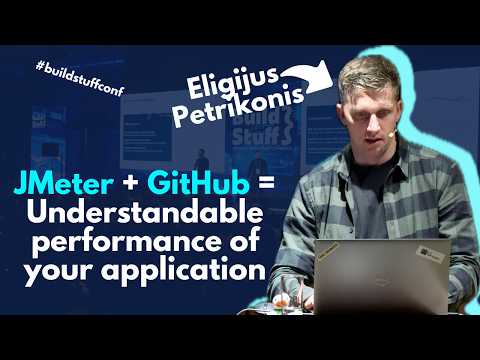
Shows how to run JMeter + GitHub Actions to automate JMeter JMX runs, collect JTL results, parse throughput JSON, and fail CI when thresholds miss. Includes a public repo and a demo API with flows (homepage → login → products → logout), warm‑up threads and delayed groups, and Excel trend tracking. Reports a 200‑thread, 3‑minute run that produces ~50,000 calls (~250 RPS) and a real fix that lifts an endpoint from ~10 RPS to 70–80 RPS after DB index changes.
AI-written summary · about
chapters (12)
- 0:00🚀 Build Stuff Conference – Get Your Tickets!
- 0:25Introduction: Why Performance Matters (The 3-Second Delay)
- 2:40Why Teams Ignore Performance Testing (and Why That’s Risky)
- 5:10Key Reasons to Test: Bottlenecks, Requirements & Stability
- 8:00Types of Performance Testing Explained
- 11:20JMeter Basics: Test Plans, Threads & HTTP Requests
- 15:40Assertions & Validating Responses
- 18:30Measuring Throughput & Finding System Limits
- 22:10Testing Real User Flows (End-to-End Scenarios)
- 25:00Automating Tests with GitHub Workflows
- 27:30Tracking Performance Trends & Thresholds
- 29:00Real Case Studies: Fixing Bottlenecks & Scaling Systems
related talks
 45mContinuous Load Testing with GitHub Actions
 40mThe Secret to Scaling Performance Test Automation with Jenkins and JMeter
 12mSimple and Scalable Performance Testing with JMeter DSL
 31mHow we can manage performance testing?
 30mSupercharged GitHub Actions monitoring with OpenTelemetry at Elastic
 46mPerformance Testing Framework
 41mMartijn Goossens: Become a Performance Test Master - the Non-Technical Side of Things
 01h 32mUsing JMeter to perform Load-Testing on PowerServer's Web API