Having fun with Java and JavaFX on the Raspberry Pi

summary
A working prototype ties a Raspberry Pi 4 plus 7" touchscreen to a relay board and an Arduino‑driven RGB LED strip, uses JavaFX touchscreen UI built on Java 11 (BellSoft Liberica or Gluon) and pi4j/py4j for GPIO, runs Mosquitto as an MQTT broker to route commands from a web page and a JavaFX app to the Arduino, shows distance‑sensor charts and LED effects (demoed at ~60 fps), and successfully toggles mains relays and remote alerts.
AI-written summary · about
chapters (14)
- 0:00Start
- 1:53Volunteer at Coder Dojo
- 4:09What Is Raspberry Pi
- 4:30Versions of the Raspberry Pi
- 4:45Compute Module
- 5:30Raspberry Pi 400
- 7:29Why Java on the Raspberry Pi
- 8:39Why You Should Use Java on the Raspberry Pi
- 9:17Visual Studio Code
- 11:13Direct Rendering
- 11:53Java Fx3d
- 14:20Electronic Starter Kit
- 23:05Distance Sensor
- 26:24Java Javafx User Interface
related talks
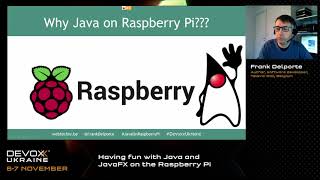 49mHaving fun with Java and JavaFX on the Raspberry Pi.
 44mBuilding Smart Devices using Java on the RaspberryPi-An intro to Pi4J.
 16mHaving fun with Pi4J and JBang on the Raspberry Pi
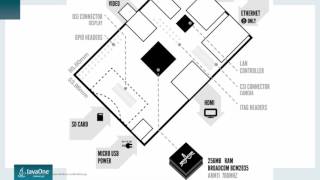 46mRaspberry Pi with Java 9
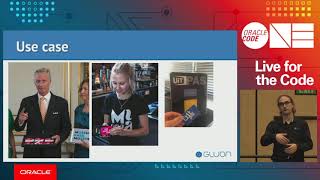 46mRunning JavaFX 11 on Embedded Devices: Challenge Accepted!
 17mNew JavaFX Features in Java SE 8 and an Intro to Lambdas
 31mInteractive Experiences Using Flutter, Arduino, Raspberry Pi
 43mThe Wait is Over: Foreign Function & Memory API brings modern Java to the Pi