The Web Accessibility Basics
summary
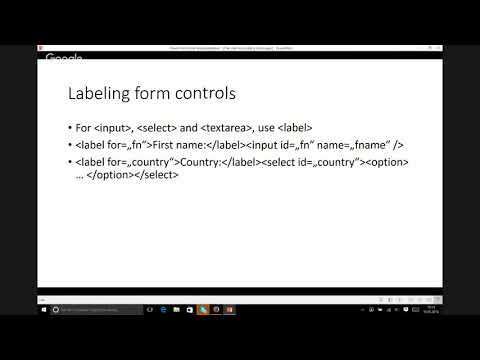
Covers concrete rules you can apply right away: use descriptive image text or alt="" for decorative images, label every form control with label for="id" or fieldset/legend for radio groups, never replace labels with placeholders, use input types (email, tel) and required for validation, keep zoom enabled via the viewport meta (user-scalable=yes), follow WCAG 4.5:1 contrast and test with the Color Contrast Analyzer (TPG), prefer native semantic HTML over ARIA and avoid clickable div/span hacks so keyboard and screen reader users get correct focus and semantics.
AI-written summary · about
chapters (23)
- 0:00What are they?
- 2:21The presenter
- 4:06Labeling images
- 6:40Decorative images
- 8:24Other images
- 10:00Labeling form controls
- 12:24Labeling buttons
- 12:55Buttons outside of forms
- 15:05Grouping elements
- 16:39Grouping radio buttons
- 18:16Why all that?
- 20:49What about the placeholder attribute?
- 23:01More tips
- 26:33Document structure
- 27:19Headings
- 28:32Tables
- 31:55Separate HTML, CSS and JS
- 34:57Color contrast
- 36:44Keep Zoom Alive!
- 38:50Fix zoom
- 39:34Wait... Where's WAI-ARIA?
- 41:07In Conclusion
- 42:31Contacting me
related talks
 22mWeb Accessibility - a better user experience for everyone!
 01h 01mA web for anyone, anywhere, anytime
 45mA Web for Anyone, Anywhere, Anytime
 21mAccessibility matters
 48mCoding For Accessibility Best Practices from the Front Lines
 01h 03mAccessibility: Making your websites more inclusive
 48mLet's break some WCAG rules
 44mDesigning with Accessibility in Mind