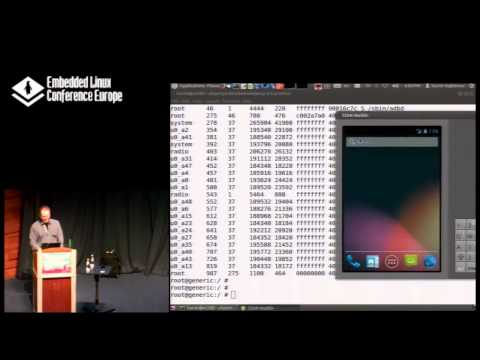
Android Platform Debugging and Development
summary
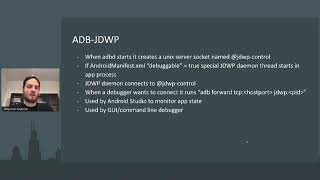
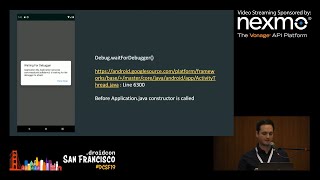
Shows exactly how to step from Java into native and kernel land: set up Eclipse + DDMS with the AOSP classpath tweaks, attach to system_server (JDWP port 8700) and hit breakpoints, and call services directly with service call (e.g. statusbar expand/collapse, setIconVisibility). Use gdb over ADB with -g builds and adb forward to debug native binaries (single‑thread works; multithreaded gdbserver is flaky). Practical tooling: logcat, dumpstate/bugreport, mm/mmma builds, adb/fastboot, ftrace/CyTrace (device dependent), perf limited on many ARM boards.
AI-written summary · about
chapters (12)
- 0:00Introduction to Android
- 2:27Architecture Overview
- 5:47Binder IPC Mechanism
- 7:38System Services & Debugging
- 10:21Debugging with Eclipse
- 25:01Native Tools and Monitoring
- 30:26Logcat and Tracing
- 34:02Interfacing with Frameworks
- 37:43Build Environment Tips
- 39:46Symbolic Java Debugging
- 50:31Native Code Debugging
- 55:55Tracing and Final Q&A