Let's Preview! Jetpack Compose
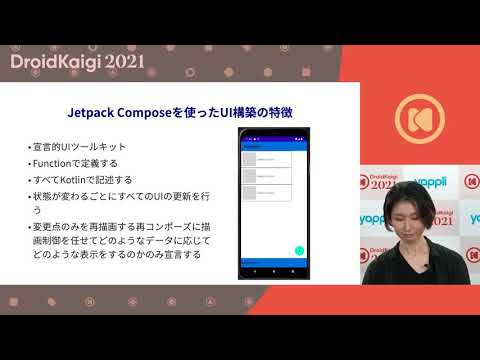
summary
Practical guide to using Jetpack Compose previews to iterate UI without deploying, showing concrete steps: use Preview annotation and Android Studio Bumblebee to toggle device, locale, font scale, dark mode and color‑blind emulation; supply multiple cases with PreviewParameterProvider returning a Sequence of fake data; inject a fake ViewModel (interface + test double) to preview whole screens and reuse fakes in unit tests; notes version 1.0.3, interactive preview is experimental and preview data can accidentally be bundled into releases if not kept internal.
AI-written summary · about
chapters (9)
- 0:00Introduction to Jetpack Compose
- 1:52Preview basics
- 3:56Passing preview data two ways
- 6:26Preview device states
- 9:17Preview features and improvements
- 10:44Full-screen preview with MVVM
- 13:17Practical preview with fake ViewModel
- 16:13Fake implementation and testing
- 17:15Summary and challenges
related talks
 34mMastering Jetpack Compose Previews - Test your UI before it tests you!
 01h 05mLet's build Android UI with Jetpack Compose
 38mPractical Tips and Tricks to Improve Your Compose Previews
 43mPreview Driven Development
 40mUnderstand the mechanism! Screenshot-testing Compose previews in many variations
 48mLearning Jetpack Compose By Example
 33mPractical Tips and Tricks to Improve Your Compose Previews
 45mFirst look at Jetpack Compose