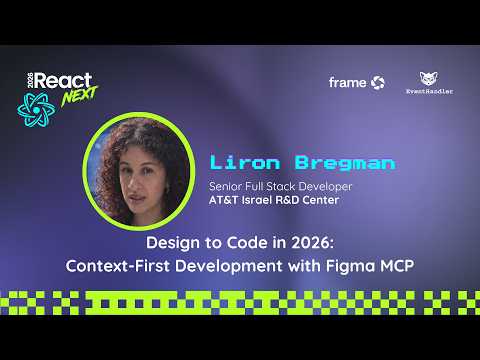
Design to Code in 2026: Context-First Development with Figma MCP
summary
Shows a concrete setup: installs Figma MCP Desktop/Remote, connects it to VSCode Copilot and Code Connect, and runs a custom agent that takes a Figma card link, grabs screenshots and design context, and generates production-ready UI files using design tokens and existing components. The agent auto-selects MCP tools, creates component TSX files, splits files, adds unit tests, and preserves visual parity. Demonstrates setting a code-connect mapping via CLI, bi-directional sync (code → Figma → code), token-cost warnings, and practical layout/naming rules that make this workflow reliable.
AI-written summary · about
chapters (9)
- 0:00Introduction
- 3:17Past versus present
- 6:10Figma MCP and context
- 11:19Design systems and CodeConnect
- 17:44Mapping props and DynamicSwift
- 20:40Debugging Figma MCP
- 23:54Future of bidirectional Figma
- 26:27New design tools
- 30:29Summary
related talks
 22mCrafting design context for agentic coding workflows
 34mFrom Figma to Quality Code: Code Connect + AI
 29mDesign to Code: Roundtable discussion with Code Connect users
 32mFigma deep dive: Agentic workflows and the MCP
 14mRethinking Designer-Developer Collaboration
 31mCreating a more connected design system with Code Connect
 20mConnecting code with craft
 42mCode, Creativity, and Community at Figma