Design to Code: Roundtable discussion with Code Connect users
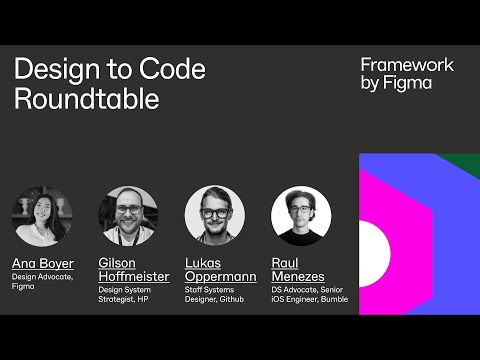
summary
Design and engineering teams report that Code Connect delivers colocated TypeScript component files versioned in CI, plus copy‑paste‑ready previews that match Figma visuals so engineers stop rebuilding from screenshots. Teams wire files into Storybook or an internal sandbox, use Dev Mode plugins, and even require accessibility fields in the generated snippet. Adoption advice: start with small, common primitives (not buttons), measure time spent context‑switching to prove value, and expect easier native support later as the system expands.
AI-written summary · about
chapters (6)
- 0:00Introductions
- 2:05Code consistency
- 8:17Naming
- 10:45Learnings
- 17:25Implementation Advice
- 21:50Future of Design Systems
related talks
 20mConnecting code with craft
 31mDesign to Code in 2026: Context-First Development with Figma MCP
 14mRethinking Designer-Developer Collaboration
 19mBringing Developers into the Design Process
 42mCode, Creativity, and Community at Figma
 34mFrom Figma to Quality Code: Code Connect + AI
 29mDesigning with Code in Mind
 21mIt's better when we design together