Learning to use Docker for development
summary
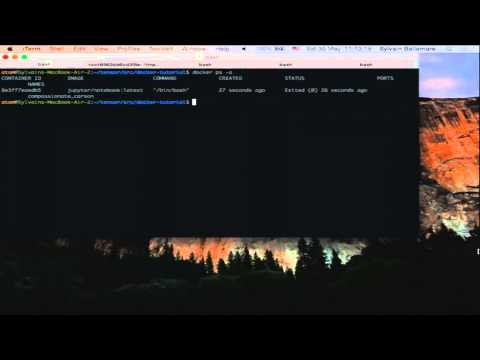
Builds a Dockerfile to create an image that includes matplotlib, numpy and an IPython/Jupyter notebook, runs that Jupyter notebook in a container and maps a host volume so work isn’t lost, shows docker build/run flags and how to expose port 8888, demonstrates using docker-machine to run a container on a remote host and outlines spinning up Postgres/Redis/Elasticsearch and linking them with docker-compose; network pulls sometimes fail in the demo but the image builds and the notebook runs locally.
AI-written summary · about
chapters (10)
- 0:00Introduction
- 3:17Why Docker for development
- 8:43Installing Docker
- 13:56Docker Hub and images
- 23:53Managing images and containers
- 33:59Running containers
- 45:07Custom Docker images
- 51:06Docker workflows
- 1:03:43Linking containers and persistence
- 1:06:23Sharing Docker environments
related talks
 01h 02mDocker for Data Science: Reproducibility and Deployment
 42mMaking Docker & Python Play Nicely and Securely for Machine Learning & Data Science
 36mHow to Roll your own Dockerized Jupyter Environment
 22mDock Your Jupyter Notebook
 25mLeveraging Docker to Enable Learning
 01h 00mDocker for development
 28mDocker-Composing Your Way to a Better Development Environment
 34mAn Intro to Docker for Djangonauts