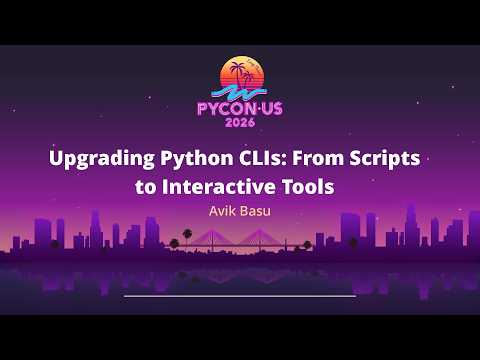
Upgrading Python CLIs From Scripts to Interactive Tools
summary
Builds a real CLI from argparse through Typer + Rich + Textual, with live coding that replaces verbose arg parsing with type‑safe Typer flags, adds progress bars/tables with Rich, and a refreshing TUI via Textual. Shows concrete choices: keep JSON output for composability, recommend pipx for installation, avoid heavy imports (help runs under 0.2s after lazy loading/getattr trick), and use platformdirs/XDG for config and cache.
AI-written summary · about
chapters (18)
- 0:00CLI upgrades journey
- 3:15Why great CLIs matter
- 4:38ML model explainability CLI
- 6:01Requirements for a good CLI
- 7:25Scripts to CLI command
- 9:33Pain points of argparse
- 9:53Introducing Typer
- 12:21Enhancing output with Rich
- 13:26Typer and Rich demo
- 18:21Interactive UIs with Textual
- 20:48Production patterns for CLIs
- 26:45Choosing CLI tools
- 27:28Closing remarks
- 27:48Q&A: Porting CLIs to TUI
- 29:51Q&A: Starting from templates
- 30:33Q&A: Async I/O in Textual
- 31:14Q&A: JSON output for agents
- 31:57Q&A: CLI frameworks
related talks
 02h 28mBuilding human-first and machine-friendly CLI applications
 01h 26mPackage Your Python Code as a CLI
 25mThe Hitchhiker's Guide to CLIs in Python
 37mLet's Make Better Command Line Applications
 33mAwesome Commandline Tools
 27mCommand line programs for busy developers
 36mCLI applications & TDD: Never write scripts again
 31mDesigning a Human-Friendly CLI for API-Driven Infrastructure