Video recording conferences and user groups using Python

summary
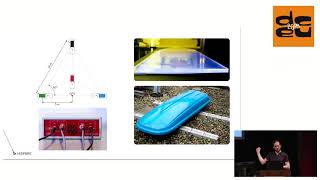
Automated conference video pipeline that replaces slow SD‑card editing with live mixing, automated encoding and YouTube uploads; handles a four‑stream, three‑day event with about 199 talks (~45 hours) and turns raw captures into viewable videos within minutes. Built open hardware HDMI USB capture boxes with custom firmware (avoids flaky vendor drivers), a simple live UI (vato mix), MLT/ffmpeg jobs, systemd/ansible deployment, a Django/worker workflow and YouTube API integration; the system runs during events and reliably produces publishable videos.
AI-written summary · about
chapters (25)
- 0:00Intro
- 0:29About me
- 1:37How to do video
- 2:45What we do
- 4:28How the industry does it
- 6:04Live mixing
- 7:12Live mixing setup
- 8:06Things you get right
- 9:31Automated workflows
- 11:56Components
- 13:27Hardware
- 16:59Sharing Components
- 19:20Votto
- 20:08Video eyeball processor
- 23:13Directory
- 23:26Associate
- 24:01Recording Sheets
- 24:17Pie
- 24:47PyCon
- 25:27Conference Status Grid
- 28:23SVG
- 29:02Stream Monitoring
- 29:27Slack
- 29:48LCA
- 30:28Thank you