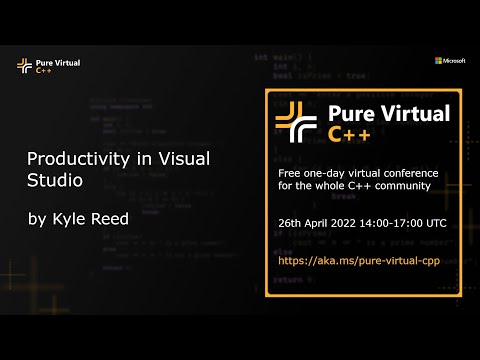
Productivity in Visual Studio
summary
Visual Studio 2022 ships a fast, enabled-by-default IntelliSense Linter that uses the IntelliSense engine to underline issues as you type, shows fixes via the lightbulb, and populates the error list and file-health overview; linter checks include uninitialized variables, unintended copies, overflow-prone subexpressions, and precedence errors with quick suggested fixes. Inline hints (toggle with Control twice) provide type hints and parameter hints for autos and magic numbers, while Predictive IntelliSense (experimental) filters completion lists by convertible types to reduce noise.
AI-written summary · about
chapters (3)
related talks
 09mWhat's new in Visual Studio IntelliCode
 37mIncrease your .NET Productivity Tips & Tricks in Visual Studio 2019
 53mLatest Productivity Updates in Visual Studio 2017 Update 15.8
 01h 06mYour Future is Bright with Visual Studio and AI
 01h 01mModern day C# development in Visual Studio 2019
 23mThe Intelligent Development Environment
 46mThe Joy of Intellisense: Tab Expansion
 07mWhat’s New in Visual Studio 2019 (Preview)