In the loop

summary
Explains how the browser actually orders work: tasks (queued by setTimeout or events), microtasks can starve rendering (promises run in a microtask queue processed to completion), and render steps include requestAnimationFrame which runs before style/paint. Demos show an infinite loop blocking render, a setTimeout loop that allows frames, requestAnimationFrame making smooth 60Hz animation, and a microtask loop that blocks. Notes include 4.7 ms default for timers, need two requestAnimationFrame ticks to kick CSS transitions, and the Web Animations API exists but is Chrome-only.
AI-written summary · about
chapters (5)
- 0:00Start
- 8:10setTimeout(callback1, 1000); setTimeout(callback2, 1000)
- 9:01THE RENDER STEPS
- 24:02MICROTASKS
- 32:49event.preventDefault(); // Handle event
related talks
 44mUnder the Browser Hood: How the Event Loop and Compositing Work
 27mDon't block the event loop!JavaScript Async for Effortless UX
 44mLeveraging the Event Loop for Blazing-Fast Apps!
 44mWe Are All Good with Browsers Made by Others
 33mWe are all good with browsers made by others
 32mDone in 0.0166666666 seconds
 28mHow to Achieve Performing Rendering in the Browser
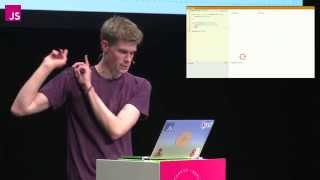 27mWhat the heck is the event loop anyway?