Accessibility in HTML email
summary
HTML email can render ~15,000 different ways across clients so accessibility requires concrete fixes: use role="presentation" on layout tables (but Outlook.com, AOL, Yahoo, GMX and web.de strip ARIA), fall back to MSO conditional comments (ghost tables) for Word‑rendering Outlook, prefer semantic UL/LI over table lists, stop embedding important text in images and add meaningful alt, disable auto‑linking with meta format‑detection or zero‑width non‑joiners, and make CSS interactivity announce state with aria-live="polite" and visible focusable controls.
AI-written summary · about
chapters (9)
- 0:00Intro
- 3:10Why care about accessibility in email?
- 8:58Email rendering issues - tables
- 18:35Email rendering issues - auto linking
- 23:24Email rendering issues - lists It's a compromise, possibly best to judge per use case
- 26:12Email rendering issues - images To get around the rendering variations of email clients some people are doing all images emails.
- 33:57Interactive email - example - Type-E
- 36:24Interactive email - CSS accessibility
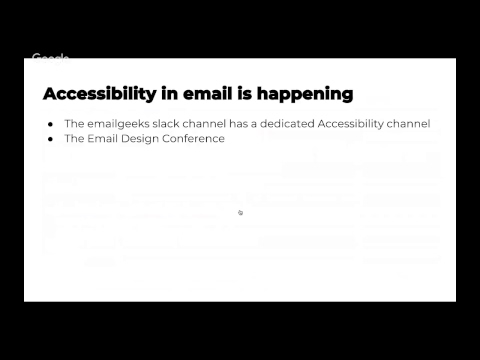
- 39:17Accessibility in email is happening