How to Build an Android TV Media Application Launcher

summary
A practical guide to building an Android TV media launcher for various TV boxes, covering integration with system apps and support for video-on-demand, DTT and IP channels including DRM and video quality considerations. Discusses implementation details like Google Assistant Partner integration, Android Low Memory Killer, wakelocks, connectivity and lifecycle management, stability, anti-flooding policy and monitoring tools, plus possible new features for the Android TV ecosystem.
AI-written summary · about
chapters (12)
- 0:00Android TV launchers
- 9:43Android TV box ecosystem
- 12:57Standby and wake-up
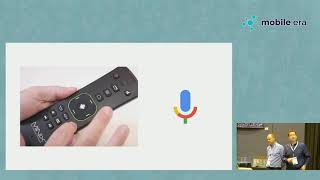
- 17:36Customizing TV remotes
- 22:20Video on demand and DRM
- 25:10ATV input framework
- 27:00Adaptive streaming
- 31:22Dynamic adaptive streaming
- 33:09Google Assistant integration
- 36:12Cloud TV customization
- 38:22Cloud content management
- 40:05Future of Android TV
related talks
 41mBest practices for developing on Android TV
 36mBuilding a great TV app
 37mCreating Engaging Android TV and Fire TV Apps with Native and Cross-Platform Tools
 45mTvExperience.levelUp()
 34mTalk: Developing Media Streaming Android Apps..
 40mAlso develop for TVs (AppleTV and AndroidTV)
 10mImproving the TV user experience
 16mGo the extra mile for your media app on Android