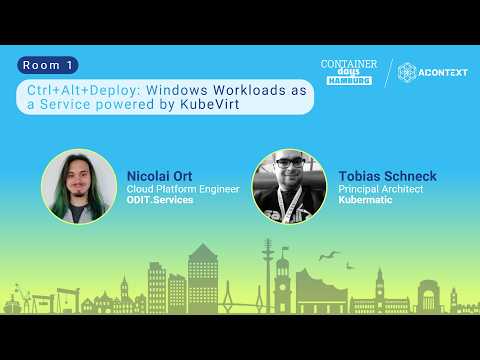
Ctrl+Alt+Deploy: Windows Workloads as a Service powered by KubeVirt
summary
Demonstrates running Windows VMs on Kubernetes using KubeVirt with an automated pipeline (KCP/KDP) that deploys images, attaches PVCs, exposes RDP via a load balancer/Ingress, and treats VMs like statefulsets. Shows a golden-image + preset workflow (Packer or CIS-Prep) and live demos where automation boots a VM in about 3 minutes vs 27 minutes for manual install. FIO storage tests report one-to-one performance parity with Linux VMs. Notes: install QEMU/KVM drivers, avoid TPM mismanagement, minimum ~8 GB RAM and ~50 GB disk.
AI-written summary · about
chapters (8)
- 0:00Introduction
- 1:50Why Windows workloads
- 9:20Demo setup overview
- 12:50Manual vs automated VM setup
- 16:39Windows as a service concept
- 27:17Live demo and key learnings
- 31:32When to use KubeVirt
- 36:10Q&A and closing
related talks
 32mKubeVirt - making running virtual machines in a k8s cluster
 42mVirtual Machine Orchestration in Kubernetes Utilizing KubeVirt
 31mKubeVirt: What If Kubernetes Orchestrated Your VMs?
 43mMaking Running Virtual Machines in a Kubernetes Cluster a Mainstream Activity
 31mVMs + Containers = The Perfect Wedding
 36mIt’s All for the Users. More Durable, Secure, and Pluggable. KubeVirt v0.53
 18mKubeVirt Alchemy: Transform VMs into K8s Workloads
 38mKubeVirt Intro: Virtual Machine Management on Kubernetes