Kubernetes + CentOS in 15 Minutes
summary
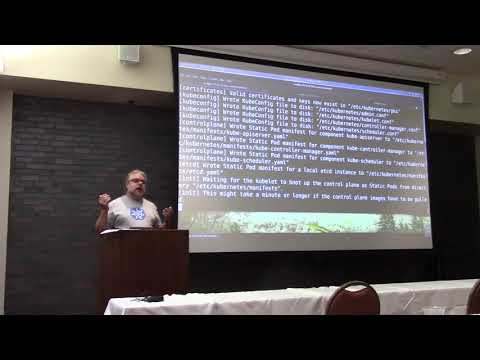
Step-by-step build of a 5-node cluster on CentOS using kubeadm and docker on AWS: installs kubelet/kubectl, copies master certificates for client access, runs a join token (default 24-hour TTL) to add workers, applies SELinux file-label fixes on four directories, and deploys a flannel pod-network overlay. Ansible playbook automates the remaining node provisioning and the demo exposes an nginx pod via a NodePort to prove the cluster works.
AI-written summary · about
chapters (6)
- 0:00Start
- 0:37set up a test cluster
- 3:09install docker
- 7:13set selinux tags on a bunch of directories
- 9:37start the kubernetes cluster by installing the master components
- 19:23set up the rest of the cluster
related talks
 01h 31mInside the Kube: A Guided Tour of Kubernetes Cluster Setup
 01h 27mKubernetes Networking 101
 45mDevOps: How to deploy Kubernetes cluster in 60 seconds (...)
 27mKubernetes the Hard Way: A Live Journey
 48mKubernetes Component by Component
 43mKubernetes: Use it, Contribute to it, and Enjoy it!
 48mGo on Kubernetes from scratch
 36mKubernetes the Hard Way, from Scratch!