RecyclerView Animations and Behind the Scenes

summary
Explains RecyclerView internals and practical rules: components are adapter, layout manager, item animator and pool and layout manager can run predictive animations by doing a prelayout then a regular layout so items animate from offscreen rather than crossfading oddly. Default ItemAnimator does fade, translate and crossfade but custom ItemAnimator can reuse view holders (new 23.1 API) to animate background color and rotate text as shown in the demo. Key gotchas: call notifyItemInserted/Removed precisely, use holder.getAdapterPosition not a final bound position, update adapter on the main thread and keep view pools per context.
AI-written summary · about
chapters (20)
- 0:00Introduction
- 1:31Components
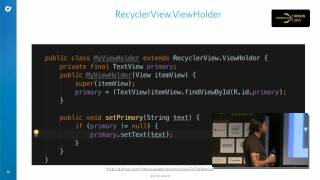
- 3:34View Holder
- 8:46Item Locations
- 10:36RecyclerView Animations
- 14:43Persistence and Appearance
- 15:38Layout Manager
- 20:06Item Animator
- 24:37Demo
- 26:04Delete Animations
- 27:56Predictive Animations
- 28:19Linear Layout Manager
- 32:15Animation Transition
- 33:52RecyclerView Mistakes
- 41:16RecyclerView vs ListView
- 42:14RecyclerView Multitouch
- 43:10RecyclerView Click Events
- 43:44RecyclerView Feedback
- 44:35Building RecyclerView Better
- 45:16Conclusion