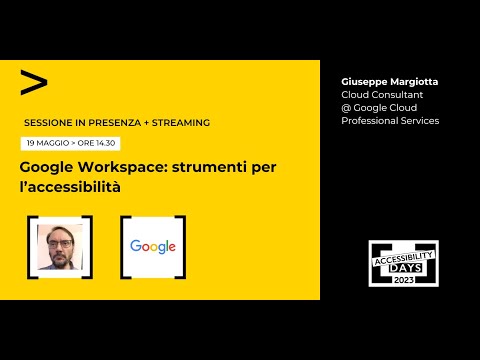
Google Workspace: Tools for Accessibility
summary
Overview of accessibility features built into Google Workspace, describing tools designed for people with disabilities that are also useful for all users. The talk covers specific Google Workspace functions (e.g., assistive features across Docs, Sheets, Slides, Gmail, Meet) and how they support inclusive workflows.
AI-written summary · about
chapters (21)
- 0:00Event introduction
- 0:48Speaker and topic
- 3:19Presentation goals
- 4:00Google Workspace overview
- 6:30Accessibility importance
- 8:57Main accessibility tools
- 10:02Auto captions in Slides and Meet
- 13:12Keyboard and screen reader navigation
- 15:19Voice typing and voice notes
- 16:21Screen zoom and contrast
- 18:07Screen readers and Braille displays
- 20:35Collaborative edits in Docs
- 21:43Creating accessible content
- 23:08Accessibility resources
- 24:54Google support
- 26:21User community and feedback
- 28:08Q&A
- 28:51AI and accessibility
- 32:02Live transcription in Meet
- 35:00Deaf accessibility on Pixel
- 38:02Future projects and closing
related talks
 34mIntegrate Google Workspace with your solutions
 15mEnhancing user experiences within Google Workspace
 52mAccessibility at Google: Lessons Learned
 21mConnecting Google Workspace and Figma
 01h 00mEmpowering Instructors: Mastering Accessibility for Inclusive Learning Experiences
 17mKeynote
 45mAutomate with Google Workspace Low Code and No Code
 43mHow to Simplify Business Processes with G Suite