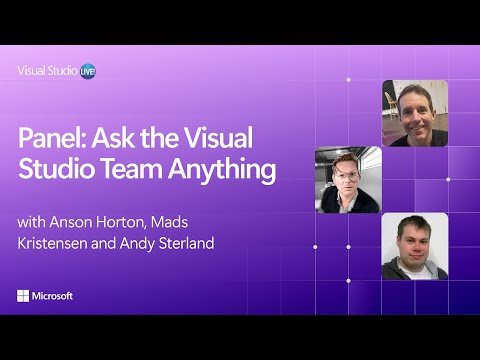
Panel: Ask the Visual Studio Team Anything
summary
Live Q&A about Visual Studio details: the copilot agent profiler runs wherever the profiler runs (including .NET Framework and C++/C++CLI with caveats), it can launch apps and collect traces without benchmark.net, and AI agents use tool-calling (edit file, build, run tests) to generate, apply and verify patches. EditorConfig isn’t auto-sent yet but can be attached or added to copilot instructions. On‑prem repos get local indexing and URL pulls; migrations use the upgrade assistant agentic flow to automate much of .NET Framework → .NET work. Extensions/settings roam partially (about 80%) and multi‑repo/submodule support is on the backlog.
AI-written summary · about
chapters (19)
- 0:00Session introduction
- 1:15WCF support and modernization
- 3:07Team introductions
- 4:32Profiler AI agents
- 7:39Editor config and Copilot
- 9:35.NET 10 support
- 11:28Microservices and multi-repo
- 15:12Git submodules support
- 16:51Code lens and UI adjustments
- 19:14How agents work
- 21:58Copilot on-premise scenarios
- 24:51Text size and accessibility
- 26:42Surround shortcuts
- 28:42C++ code analysis
- 30:42NuGet package creation
- 33:06Migrating to .NET
- 37:20Navigation and productivity
- 50:27Settings and profile syncing
- 58:13History and debugging VS
related talks
 06h 22mUsing AI to Enhance Developer Productivity
 42mWhat’s new in GitHub Copilot and Visual Studio
 19mMicrosoft Copilot Demystified: A 20-Minute Introduction
 01h 06mYour Future is Bright with Visual Studio and AI
 49mCopilot, Cursor, and Custom LLMs: Navigating the New .NET Developer Experience
 23mFine Tune Your AI Toolbox with GitHub Copilot, Azure AI Foundry...
 23mThe Intelligent Development Environment
 39mPower of AI and Code Quality and Performance