From code to pixels in a Blink
summary
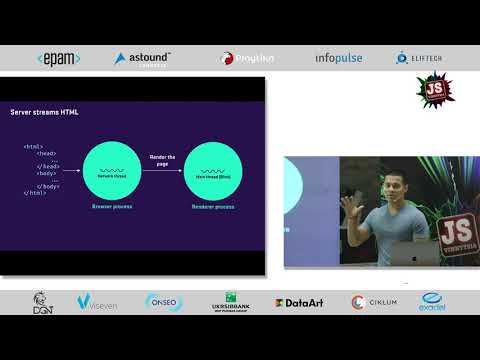
Explains Chrome Blink’s pipeline end to end: DNS/TCP starts with a 14 KB first round-trip limit, HTML → DOM → style → layout → paint → raster → GPU process, with a compositor thread that tiles and rasterizes in parallel and a 60 Hz 16 ms frame budget. Shows Chrome DevTools and tracing, demonstrates scripts >30 KB parsed off‑main‑thread, use of requestAnimationFrame()/requestIdleCallback() and passive listeners, and a demo that fixes jank by moving animations to a transform/will-change layer so GPU compositing keeps them smooth.
AI-written summary · about
chapters (16)
- 0:00Start
- 11:16Recalculate Style
- 11:49Layout
- 12:14Geometry Data
- 13:27Pipeline Recap
- 14:30Frame Budget
- 15:50Layers and Compositing
- 19:17Recap the Pipeline
- 21:13Javascript
- 22:08Requestanimationframe Callback
- 22:57Why Is this Compositor Thread Architecture Important
- 26:30Demo
- 33:33Demo for Animations
- 36:31Animating Element into a Layer
- 36:54Layer Borders
- 37:20The Layers Panel
related talks
 42mChrome Internals and Rendering Performance
 37mHappy Browser, Happy User!
 58mUntangling Browser Threads
 44mWe Are All Good with Browsers Made by Others
 37mRendering performance inside out
 27mAnatomy of a Browser
 28mHow to Achieve Performing Rendering in the Browser
 31mJank Busters - Chrome Rendering Performance