How To Build Basic Desktop Applications in Ruby

summary
Two‑hour, prerequisite‑free workshop that uses Glimmer DSL for LibUI (gem install glimmer-dsl-libui; run glimmer examples) and walks through hands‑on exercises: GUI controls, listeners, an 11‑step basic section (window, buttons, layouts, stretchy, form), an address form test (entries + checkbox with onchanged/ontoggle), then MVC → MVP refactors and computed-by data binding for checkboxes, ending with a working contacts table with search and a real Sidekick UI example and extracted graphs gem.
AI-written summary · about
chapters (16)
- 0:00Building desktop apps in Ruby
- 1:24Workshop outline
- 3:53Installing Glimmer DSL
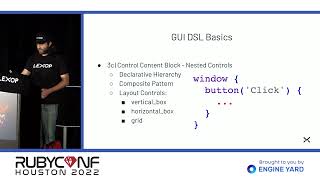
- 7:49GUI DSL basics
- 12:46Listeners and nested controls
- 16:18First GUI exercise
- 21:25Section one test
- 33:28MVC architecture matters
- 43:28MVC explained
- 50:48Refactoring to MVC
- 59:51MVP and data binding
- 1:06:36Data binding exercises
- 1:15:42Table data binding
- 1:21:24Refactoring to MVP
- 1:27:45Advanced data binding
- 1:29:07Next steps
related talks
 30mBuilding Native GUI Apps in Ruby
 48mDesktop Development with Glimmer
 32mWhatever Happened to Desktop Development in Ruby?
 52mMonkeybars: easy cross platform GUIs
 37mRuby Anvil the Desktop Application Framework
 33mWriting Games with Ruby
 33mWeb applications with Ruby (not Rails)
 43mBeautiful reactive web UIs, Ruby and you