Prototyping Interactive Dashboards with Jupyter Notebooks
summary
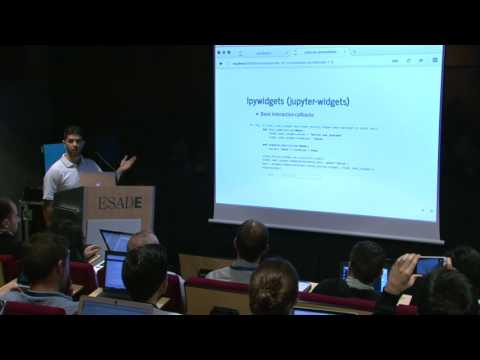
Prototype claim: notebooks let teams build actionable UI fast using real code not mockups. Uses ipywidgets, jupyter-matplotlib, jupyter dashboards (alternate: bqplot) to assemble filters, grouped time-series views, and a table/figure combo that returns layout widgets from functions. Built a traffic-exploration prototype that filters by neighbor, splits ingress/egress, and runs a simple load‑balancing heuristic that moves flows until standard deviation drops. Works well for prototypes but has styling and sharing limitations for production.
AI-written summary · about
chapters (15)
- 0:00Interactive dashboards in Jupyter
- 2:28Prototyping UIs early matters
- 3:32ipywidgets for interactive elements
- 4:58Layout widgets for flexible UI
- 6:21Callbacks for widget logic
- 7:26Embedding matplotlib in widgets
- 9:10Jupyter dashboards for layouts
- 10:17Why rapid prototyping works
- 12:02Network traffic dashboard example
- 17:24Filtering traffic data interactively
- 20:10Time series with widgets and tables
- 22:37Load balancing prototype demo
- 23:59Router configs with widgets
- 25:03Prototyping without perfection
- 27:12Q&A: Sharing dashboards
related talks
 01h 16mMake your research interactive with Jupyter Dashboards
 01h 29mTurning Jupyter Notebooks into Data Applications
 34mNotebooker: Production and Scheduling for your Jupyter Notebooks
 36mReactive Notebooks for Python
 33mSignificant Roadblocks to Usefulness for Jupyter Notebooks and a Recipe to Fix them
 01h 00mInteractive Computing with Jupyter: Past, Present, and Future
 49mUntitled13.ipynb
 24mJupyter Notebooks for Ops