How to build a cross platform GUI app with Python

summary
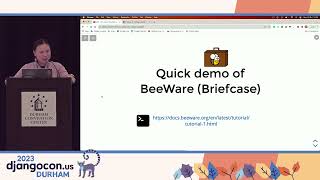
Shows how to bootstrap a native Python GUI with Toga and package it for desktop, mobile, web and console using Briefcase. Demonstrates creating a text input, button and async event handler that awaits a dialogue, adds tabbed navigation, a map view and GPS location with permission prompts, and the Android OSMroid dependency. Walks through briefcase dev/create/build/run/package commands, explains embedding a support Python runtime, notes GPS is not implemented on Windows and web/console backends need more work.
AI-written summary · about
chapters (10)
- 0:00Introduction to BeeWare
- 1:30Toga toolkit overview
- 2:35Briefcase packaging tool
- 3:20Building a basic app
- 10:57Desktop deployment
- 13:02Mobile and web deployment
- 15:31Advanced distribution features
- 16:56Adding advanced features
- 21:54Future goals and community
- 24:32Closing remarks
related talks
 47mHow to build a cross platform GUI with Python
 28mHow to build a cross-platform graphical user interface with Python
 01h 59mBuild a cross-platform app with BeeWare
 26mDeveloping Desktop and mobile apps with PySide and QML
 01mBuilding a cross-platform app with BeeWare
 31mYou *can* take it with you: Packaging your Python code with Briefcase
 26mDeveloping Desktop and mobile apps with PySide and QML
 41mLet's build a BeeWare app that uses Django