How can you use prompt engineering to debug PowerShell?

summary
Uses Azure OpenAI Studio and the gpt-4-32k model to debug real PowerShell snippets: finds a typo that prevents a users loop, explains using userPrincipalName instead of an object for mailbox commands, and identifies identical calendar events by comparing iCalUID comparison values. Demonstrates generated Mac PowerShell commands listing root folders, builds a for‑each loop that counts to 10, and shows making REST requests to Azure OpenAI from PowerShell; examples are pasted, corrected, and executed successfully.
AI-written summary · about
chapters (7)
- 0:00Introduction to prompt engineering
- 1:06Debugging Active Directory script
- 2:10Fixing Azure AD user script
- 3:18Comparing calendar events with Graph API
- 6:22Writing PowerShell for Mac folders
- 8:14Creating PowerShell loops with AI
- 9:41Summary and closing remarks
related talks
 44mThe Science of Effective Prompting
 01h 30mCreating Intuitive AI Agents for PowerShell..
 45mPlatform PowerShell
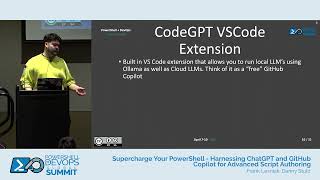 43mSupercharge Your PowerShell - Harnessing...
 48mTurning PowerShell Commands into AI Tools
 45mInteractive Enhancements to PowerShell
 46mPowerShell as an MCP Tooling Host: Using MCPServerPS to Supercharge AI-Assisted...
 45mUsing PowerShell to be a Linux Administrator