AI Tools for Jakarta EE

summary
Shows an AI workflow that actually scaffolds Jakarta EE 8.1 apps end-to-end: ParStarter web ER diagram generator creates and expands a conference ER model and outputs JPA entities, JAX‑RS endpoints and frontend pages; Jedict AI assistant for Apache NetBeans uses OpenAI (GPT‑4.1‑mini) or local Ollama (Deepseek 1.5B) to generate code, build files, run DB commands, insert 10 sample rows, run code reviews, and produce commit messages. Demonstrations write code into the project (build mode) and run successfully in dev mode.
AI-written summary · about
chapters (19)
- 0:00Introduction to AI tools
- 1:45Limitations of traditional tools
- 3:09Introducing ParStarter tool
- 6:22Generating Jakarta app with AI
- 11:13Jedict AI assistant in IDE
- 13:01Designing with PlantUML diagrams
- 16:24Building app from diagram
- 19:00Creating classes from scratch
- 21:30Customizing AI prompts
- 25:01Generating email functionality
- 29:45Refactoring with AI suggestions
- 31:35Configuring MicroProfile
- 33:02Setting global rules
- 34:27Defining project rules
- 36:12AI-powered code review
- 38:35Database integration with AI
- 41:03Creating app from database
- 42:07Using local LLM provider
- 44:08Summary and Q&A
related talks
 38mAI Tools for #JakartaEE
 15mAI Tools for Jakarta EE
 53mUnlocking AI's Potential: Smarter Coding in Apache NetBeans IDE
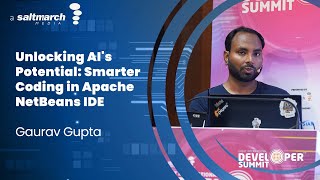 01h 01mUnlocking AI's Potential: Smarter Coding in Apache NetBeans IDE
 45mJakarta EE Meets AI
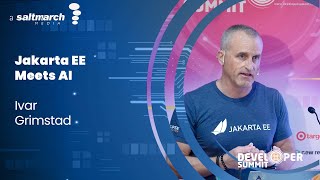 58mJakarta EE Meets AI
 44mJava Meets AI: Empowering Spring Developers to Build Intelligent Apps
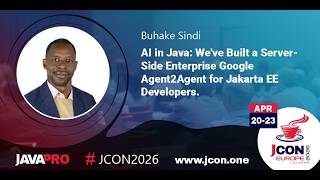 01h 02mAI in Java: We've Built a Server-Side Enterprise Google A2A for Jakarta EE Devs.