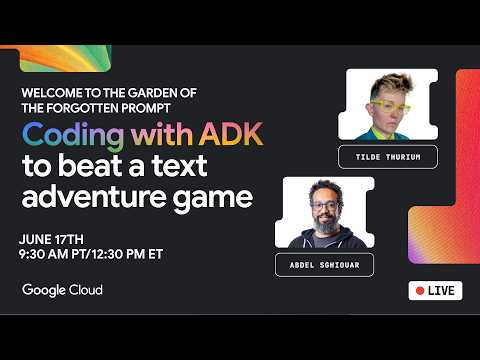
Coding with ADK to beat a text adventure game
summary
Live demo builds a Python agent with the Agent Development Kit, connects via Vertex AI or AI Studio to Gemini 2.5 Flash, reads the game’s OpenAPI spec, and calls the game API to play levels 0–3; the agent successfully completes level 1 and immediately moves up the leaderboard (demo score hits 177). Setup uses Cloud Shell, ADK web UI for debugging, and a deploy path to Cloud Run. Scoring awards a 5% ADK bonus and extra points for curiosity; small live hiccups (folder naming, auth) are fixed on the fly.
AI-written summary · about
chapters (9)
- 0:00Introduction to the challenge
- 1:15Game overview and setup
- 3:43Environment and workshop setup
- 7:59Manual gameplay walkthrough
- 15:07Building the agent with ADK
- 25:45Connecting the agent to the API
- 34:48Autonomous agent gameplay
- 46:45Scoring and leaderboard insights
- 50:51Q&A and closing thoughts
related talks
 54mCreate Multi-Agent Systems with ADK
 01h 09mMulti Agent Architecture using ADK
 49mLet's build an AI agent
 44mGlimpses of Humanity: My Game-Building AI Pair
 45mUnifying AI experience for customers: Building multi-agent systems with Google ADK
 55mExtend Your Agents with Tools and Memory
 41mAgent skills for Android app development
 01h 48mBuilding Conversational Agents