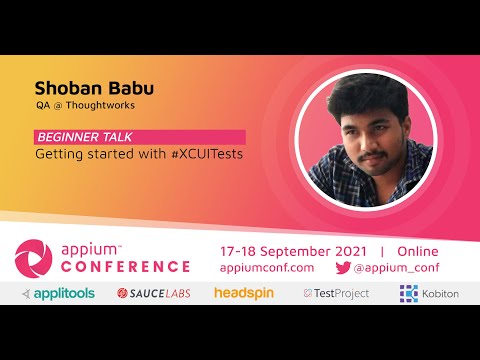
Getting started with #XCUITests
summary
Covers practical steps to write XCUITests for iOS: create an Xcode UI Test target, record interactions to generate Swift XCTest code, replace brittle recordings with XCUIElement queries using accessibility identifiers, assert element existence, tap and type actions, and run tests on simulator or device. Shows how to run suites from Xcode and CI, handle waits for networked UI, and maintain tests as app UI evolves; includes concrete code patterns and examples that can be copied into a project.
AI-written summary · about
chapters (5)
- 0:00Introduction to XCUITests
- 14:21What is an XCUITest
- 22:49Setting up automation
- 30:45Running tests on Android
- 40:15Final tips and Q&A
related talks
 32mUI Automation with XCUITest
 41mOvercoming XCUITest pain to bring UITests to iOS apps
 28mAdvanced Techniques in iOS UI Testing
 29mThe Magic of UI Testing
 48mUI Tests in an iOS Project
 37miOS Test Automation to Infinity and Beyond
 44mAgile Swift
 46mAlternatives to XCUITest, or Why and How Developers Should Write Automated Tests