Progressive Web Apps with Angular 2

summary
Progressive Web App implementation for an Angular 2 app uses service workers (via the Service Worker Toolbox), a generated app shell, the web app manifest, browser databases (PouchDB/IndexedDB), and push plus background sync to provide offline writes that later synchronize. A sample flight‑booking app demonstrates cached UI, immediate value, and sync-on-reconnect; demos intermittently fail but core patterns and tooling (Angular Mobile Toolkit, CLI scaffold, cache strategies like cache‑first vs network‑first) are shown working.
AI-written summary · about
chapters (20)
- 0:00Intro
- 0:45Progressive Web Apps with Angular 2
- 1:09Contents
- 2:35Native Apps
- 6:33Case Study
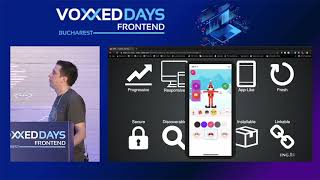
- 6:56Features
- 11:01What are Service Worker?
- 12:04Service Worker and Offline
- 13:11Service Worker Toolbox
- 16:33Browser Support
- 17:42Fallback for Safari & Co.
- 18:55Storing Data while offline
- 21:44App Shell
- 22:56"Install" to Home Screen
- 24:02Referencing the Manifest
- 24:59Background Sync
- 26:20Push Notifications
- 30:50Mobile Toolkit
- 32:49Getting Started
- 33:24Summary
related talks
 01h 00mProgressive Web Apps with Angular: Tips for Advanced Users
 33mProgressive Web Apps - the Angular way
 41mOffline Web Apps don't exist anymore!
 17mProgressive Angular 2 apps
 53mWeb goes Native: Progressive Web Apps with Angular
 49mA progressive open web with Angular 2
 38mProgressive Web Applications: The What, the Why and the How
 01h 04mProgressive Web Apps: Cross-Plattform Applications with Angular